£13.99
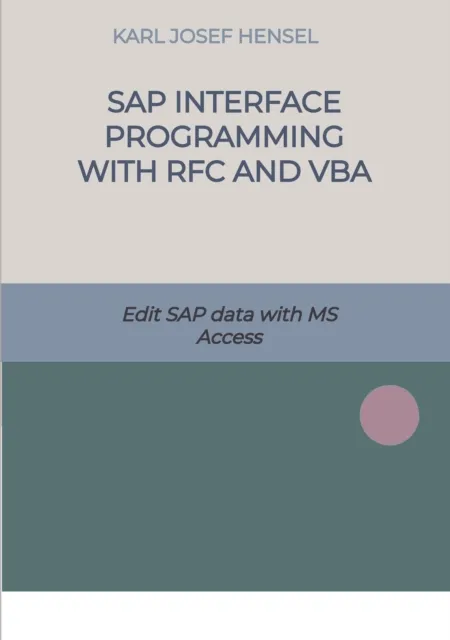
SAP interface programming with RFC and VBA
Edit SAP data with MS Access

Introduction to Data Migration
The migration of data is an important process when introducing SAP systems or adopting new data from third-party systems. This takes up a large proportion of the time and thus also the costs in migration projects.
Practical Tips and Tools
This book gives you practical tips and examples of how you can use Microsoft products and the VBA programming language to quickly and inexpensively create useful migration tools yourself. It is not necessary to install the software on the SAP systems. This saves the time-consuming procedure of software implementation in SAP systems.
Benefits of the Approach
Developments with ABAP code, complex documentation, tests in development, quality and productive systems are not necessary and save time and money. The batch input interface and the LSMW and CATT tools are no longer required.
Target Audience
The book is suitable for administrators, technical consultants and developers in the SAP environment. Even power users from the specialist departments will be able to productively extract or upload data from the SAP systems after reading it.
Application Examples
The programs created according to my method can be used for all SAP modules. As an example, I use functionalities of the SAP module PS. By using ready-made SAP functions and BAPI's, functionalities such as creating and changing projects and WBS-Elements can be carried out.