£44.99
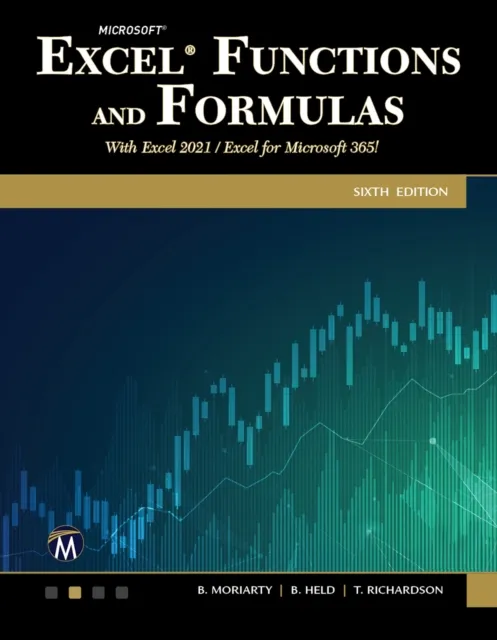
Microsoft Excel Functions and Formulas
Master Excel Formulas and Functions for Efficient Data Management With Excel 2021/Microsoft 365

Master Excel functions and formulas with this detailed guide. Learn to perform calculations, analyze data, and automate tasks using Excel 2021 and Microsoft 365.
Key Features
Extensive coverage of Excel functions and formulas
Practical examples and step-by-step instructions
Tips for efficiency and real-world application
Book Description
In this updated edition for Excel 2021, Microsoft 365, and previous versions, this book reveals the secrets of Excel through practical examples in a quick reference format. It includes new chapters on data analytics and shortcut keys, making it an essential resource for both beginners and experienced users. The book is designed to help you understand, create, and apply formulas efficiently. The journey begins with an introduction to formulas, followed by chapters on logical, text, date, and time functions. You will explore statistical, mathematical, and financial functions, along with database, lookup, and reference functions. The book also delves into conditional formatting, dynamic array formulas, special solutions, and user-defined functions, providing step-by-step instructions and ready-to-use Excel screenshots. By the end of the course, you will have mastered Excel's advanced formulas and functions, enabling you to perform complex data analysis and enhance your productivity. Companion files include video tutorials, over 250 worksheet examples, and all figures from the text, ensuring a comprehensive learning experience.
What you will learn
Perform basic and advanced calculations
Utilize logical functions for decision making
Manipulate and format text data
Work with dates and times effectively
Analyze data using statistical functions
Apply financial functions for budgeting and forecasting
Who this book is for
This book is ideal for Excel users of all levels who want to enhance their skills in performing calculations, data analysis, and task automation. Basic familiarity with Excel is recommended.