£18.98
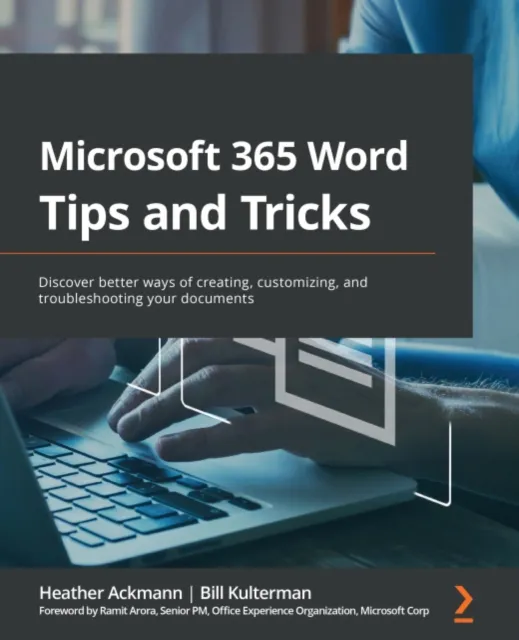
Microsoft 365 Word Tips and Tricks
Discover better ways of creating, customizing, and troubleshooting your documents

Learn how to get the most out of Word with expert help and take your documents to a new level
Key Features
Lean into expert advice from Microsoft Certified trainers with decades of experience
Collaborate effortlessly with other even when you''re using different formats and versions of Word
Learn to undo tricky mistakes and troubleshoot difficult scenarios without panic
Book Description
If you''re proud of yourself for finally learning how to use keyboard shortcuts and the search function, but still skip a beat when asked to generate a table of contents, then this book is for you. Written by two experts who''ve been teaching the world about Word for decades, Microsoft 365 Word Tips and Tricks is a powerhouse of demystifying advice that will take you from Word user to Word master.
This book takes you on a step-by-step journey through Word essentials with plenty of practical examples. With it, you''ll explore different versions of Microsoft Word, its full functionality, and understand how these versions impact collaboration with others. Each chapter focuses on a different aspect of working with the legendary text editor, including a whole chapter dedicated to concentrating better with the help of Word. Expert advice will fill your knowledge gaps and teach you how to work more productively and efficiently with text, images, styles, and even macros.
By the end of this book, you will be able to make better documents faster and troubleshoot any Word-related problem that comes your way. And because of its clear and cohesive structure, you can easily come back to refresh your knowledge whenever you need it.
What you will learn
Track a document''s changes as well as comment on and review changes by others, both locally and remotely
Use Word''s navigation and view features to improve productivity
Generate more consistently formatted documents with Styles
Perform common tasks through simple formatting techniques, Quick Parts, customizing AutoCorrect/AutoFormat, and memorizing keyboard shortcuts
Troubleshoot the most frustrating formatting problems experienced by Word users
Create more universally accessible documents by adding Alt Text using the accessibility checker and other Word features
Who this book is for
Authors, copywriters, teachers, professionals, and everyone else who uses Word on a daily basis, but is still a little intimidated by it, will get a lot out of this book. You won''t need any prior knowledge of Microsoft Word''s advanced functions to get started, but the basics – like open, save, copy, and paste – are a must.