£31.99
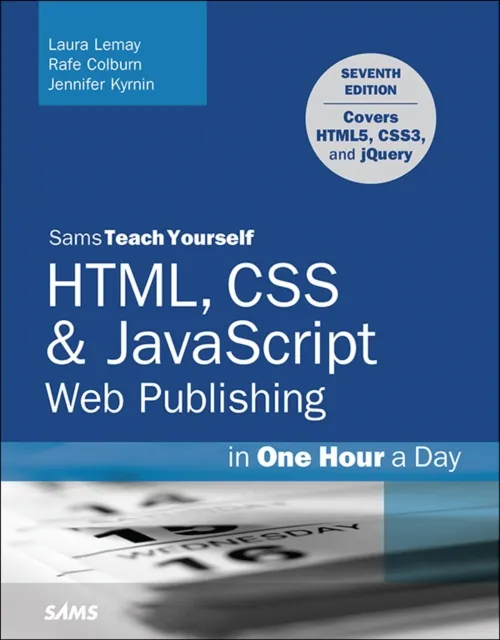
HTML, CSS & JavaScript Web Publishing in One Hour a Day, Sams Teach Yourself
Covering HTML5, CSS3, and jQuery

Thoroughly revised and updated with examples rewritten to conform to HTML5, CSS3, and contemporary web development practices, this easy-to-understand, step-by-step tutorial helps you quickly master the basics of HTML and CSS before moving on to more advanced topics such as graphics, video, and interactivity with JavaScript and jQuery.
In just one hour a day, you’ll learn the skills you need to design, create, and maintain a professional-looking website.
- No previous experience required. By following each short, one-hour lesson in this book, anyone can learn the basics of web development.
- Learn at your own pace. You can work through each lesson sequentially to make sure you thoroughly understand all the concepts and methodologies, or you can focus on specific lessons to learn the techniques that interest you most.
- Test your knowledge. Each lesson ends with a Workshop section filled with questions, answers, and exercises for further study.
Learn how to...
- Fully implement the HTML5 and CSS3 standards
- Work with text and create links
- Add images and graphics to your page
- Use CSS to style a site and position elements on a page
- Structure a page with HTML5
- Use responsive web design to make your pages look good on different-sized screens
- Use JavaScript to add dynamic elements and interactivity on your pages
- Leverage jQuery to add JavaScript features to your pages
- Design for the mobile web
- Get your site online and let people know it’s there
- Optimize your site for search engines
PART I: Getting Started
1 What Is Web Publishing
2 Getting Your Tools in Order
3 Introducing HTML and CSS
PART II: Creating Web Pages
4 Learning the Basics of HTML
5 Organizing Information with Lists
6 Working with Links
PART III: Doing More with HTML and CSS
7 Formatting Text with HTML and CSS
8 Using CSS to Style a Site
9 Using Images on Your Web Pages
10 Building Tables
11 Using CSS to Position Elements on a Page
12 Designing Forms
13 Structuring a Page with HTML5
14 Integrating Multimedia: Video and Sound
15 Advanced CSS: Page Layout in CSS
16 Using Responsive Web Design
PART IV: Using JavaScript and jQuery
17 Introducing JavaScript
18 Using jQuery
19 Using JavaScript in Your Pages
20 Working with Frames and Linked Windows
PART V: Designing for Everyone
21 Designing for the Mobile Web
22 Designing for User Experience
PART VI: Going Live on the Web
23 How to Publish Your Site
24 Taking Advantage of the Server
25 Search Engines and SEO