£22.98
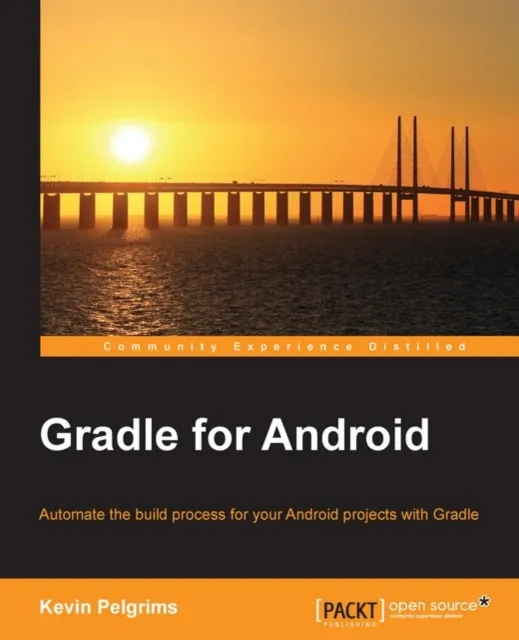
Gradle for Android

About This Book
Create custom Gradle tasks and plugins for your Android projects
Configure different build variants, each with their own dependencies and properties
Manage multi-module projects, and integrate modules interdependently
Who This Book Is For
If you are an experienced Android developer wanting to enhance your skills with the Gradle Android build system, then this book is for you. As a prerequisite, you will need some knowledge of the concepts of Android application development.
What You Will Learn
Build new Android apps and libraries using Android Studio and Gradle
Migrate projects from Eclipse to Android Studio and Gradle
Manage the local and remote dependencies of your projects
Create multiple build variants
Include multiple modules in a single project
Integrate tests into the build process
Create custom tasks and plugins for Android projects
In Detail
Gradle is an open source build automation system that introduces a Groovy-based domain-specific language (DSL) to configure projects. Using Gradle makes it easy for Android developers to manage dependencies and set up the entire build process.
This book begins by taking you through the basics of Gradle and how it works with Android Studio. Furthermore, you will learn how to add local and remote dependencies to your project. You will work with build variants, such as debug and release, paid and free, and even combinations of these things. The book will also help you set up unit and integration testing with different libraries and will show how Gradle and Android Studio can make running tests easier. Finally, you will be shown a number of tips and tricks on the advanced customization of your application's build process. By the end of this book, you will be able to customize the entire build process, and create your own tasks and plugins for your Gradle builds.