£19.98
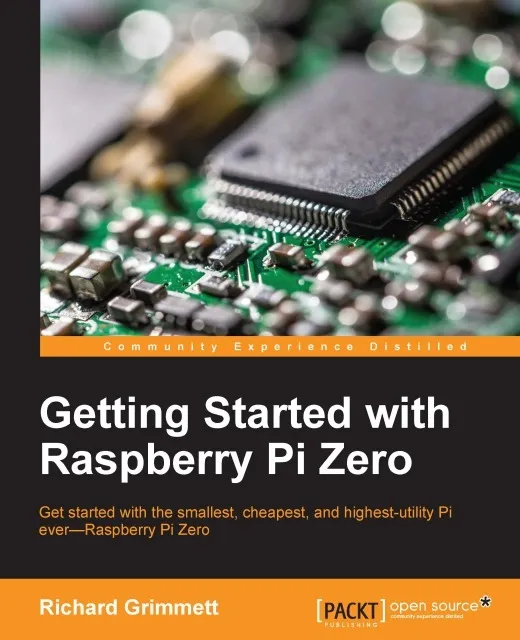
Getting Started with Raspberry Pi Zero

Get started with the smallest, cheapest, and highest-utility Pi ever—Raspberry Pi Zero
About This Book
Get started with Raspberry Pi Zero and put all of its exciting features to use
Create fun games and programs with little or no programming experience
Learn to use this super-tiny PC to control hardware and software for work, play, and everything else
Who This Book Is For
This book is for hobbyists and programmers who are taking their first steps toward using Raspberry Pi Zero. No programming experience is required, although some Python programming experience might be useful.
What You Will Learn
Understand how to initially download the operating system and set up Raspberry Pi Zero
Find out how to control the GPIO pins of Raspberry Pi Zero to control LED circuits
Get to grips with adding hardware to the GPIO to control more complex hardware such as motors
Add USB control hardware to control a complex robot with 12 servos
Include speech recognition so that projects can receive commands
Enable the robot to communicate with the world around it by adding speech output
Control the robot from a distance and see what the robot is seeing by adding wireless communication
Discover how to build a Robotic hand and a Quadcopter
In Detail
Raspberry Pi Zero is half the size of Raspberry Pi A, only with twice the utility. At just three centimeters wide, it packs in every utility required for full-fledged computing tasks. This practical tutorial will help you quickly get up and running with Raspberry Pi Zero to control hardware and software and write simple programs and games. You will learn to build creative programs and exciting games with little or no programming experience. We cover all the features of Raspberry Pi Zero as you discover how to configure software and hardware, and control external devices. You will find out how to navigate your way in Raspbian, write simple Python scripts, and create simple DIY programs.
Style and approach
This is a practical and fun getting started tutorial that will guide you through everything new that the Raspberry Pi has to offer.