£44.99
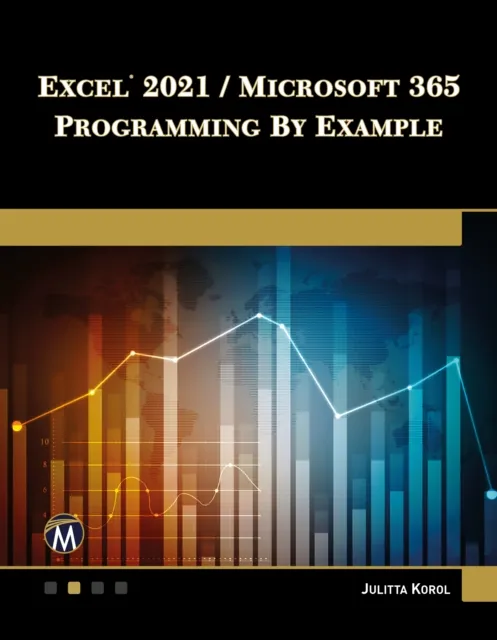
Excel 2021 / Microsoft 365 Programming By Example
A Comprehensive Guide to Mastering Excel VBA

Master Excel VBA with hands-on examples. Automate tasks, manipulate data, and customize your Excel experience effortlessly.
Key Features
Detailed examples and practical applications of VBA programming
Step-by-step instructions for automating tasks and data analysis
Advanced techniques for user interface customization and file manipulation
Book Description
Updated for Excel 2021, this book is a practical guide for those proficient with the Excel user interface and looking to automate routine tasks. It introduces programming concepts through numerous hands-on exercises, progressing to advanced topics via custom projects. The journey begins with recording and editing macros, writing VBA code, and extends to programming the Ribbon interface and working with XML documents. The course covers automating operations on files, folders, and other Microsoft Office applications. It also delves into event procedures, testing, and debugging. Advanced features include working with VBA classes and raising custom events in standalone class modules. By mastering these skills, users can significantly enhance their productivity and efficiency in Excel. The book's structure, with 29 chapters and over 275 examples, ensures comprehensive learning. Companion files with source code, projects, and figures further support the user. This course is essential for anyone aiming to streamline their Excel tasks and harness the full power of Excel programming.
What you will learn
Write effective Excel Macros
Automate repetitive tasks
Use advanced data analysis techniques
Interact with other applications
Customize the Excel interface
Manipulate files and folders
Who this book is for
Ideal for Excel users, data analysts, and anyone looking to automate repetitive tasks or enhance their Excel skills. No prior programming experience is required, but basic Excel knowledge is recommended. Suitable for both beginners and advanced users.