£24.99
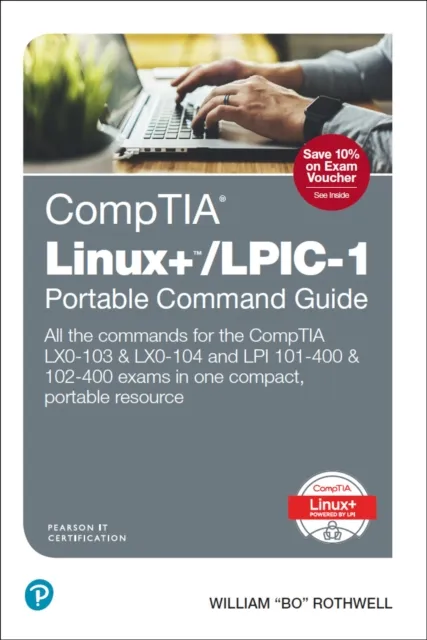
CompTIA Linux+/LPIC-1 Portable Command Guide
All the commands for the CompTIA LX0-103 & LX0-104 and LPI 101-400 & 102-400 exams in one compact, portable resource

Here are all the CompTIA Linux+/LPIC-1 Linux commands you need in one condensed, portable resource. The CompTIA Linux+/LPIC-1 Portable Command Guide is filled with valuable, easy-to-access information and is portable enough to use wherever your work takes you.
The guide summarizes all Linux+/LPIC-1 certification-level Linux commands, keywords, command arguments, and associated prompts, and provides tips and examples of how to apply them to real-world scenarios. Configuration examples throughout the book provide you with a better understanding of how these commands are used in real-world environments.
This book reflects topics in today’s CompTIA LX0-103 & LX0-104 and LPI 101-400 & 102-400 exams. Use this quick reference resource to help you memorize commands and concepts as you work to pass any of these CompTIA or LPI certification exams.
The book is organized into these parts:
Parts
Part I: System Architecture
Part II: Linux Installation and Package Management
Part III: GNU and Unix Commands
Part IV: Devices, Linux Filesystems, Filesystem Hierarchy Standard
For LX0-104/LPI 102-400
Part V: Shells, Scripting, and Data Management
Part VI: User Interfaces and Desktops
Part VII: Administrative Tasks
Part VIII: Essential System Services
Part IX: Networking Fundamentals
Part X: Securityuick, offline access to all CompTIA
-
Linux+/LPI LPIC-1 commands for research and solutions
-
Logical how-to topic groupings for a one-stop resource
-
Great for review before your Linux+ or LPIC-1 certification exams
-
Compact size makes it easy to carry with you, wherever you go
-
“Create Your Own Journal” appendix with blank, lined pages allows you to personalize the book for your needs
-
“What Do You Want to Do?” chart inside front cover helps you to quickly reference specific tasks