£19.99
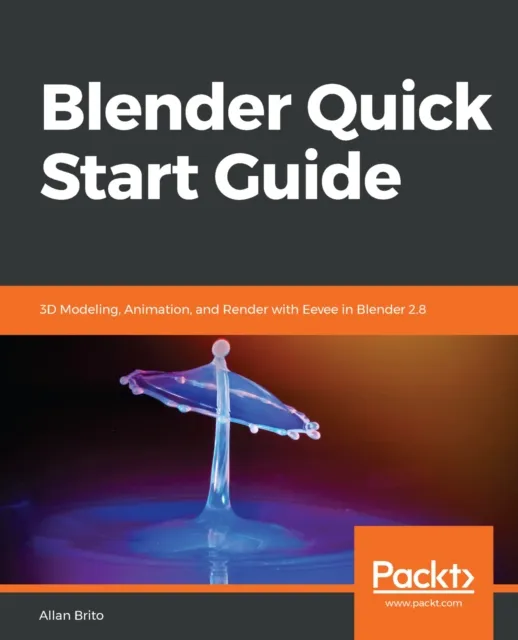
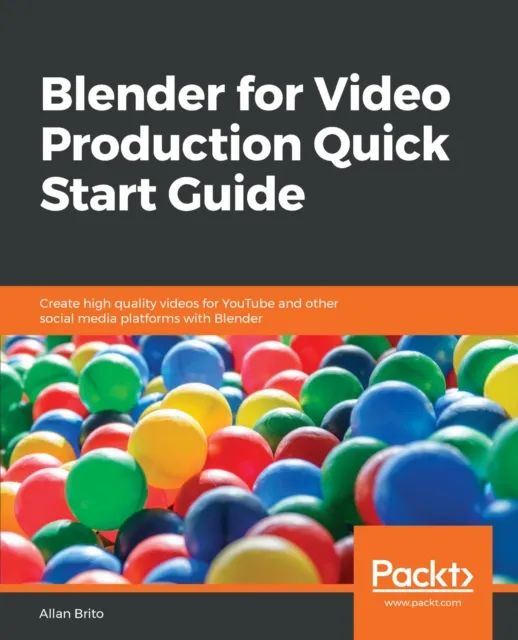
Blender for Video Production Quick Start Guide
Create high quality videos for YouTube and other social media platforms with Blender

Use Blender to edit and produce video for YouTube or any other social media platforms
Key Features
Use the Blender Video editing toolkit and UI
Make 3D info-graphics and interactive video with the latest Blender toolkit
Prepare a video production with live markings for tracking
Book Description
One of the critical components of any workflow related to video production is a reliable tool to create and edit media such as video and audio. In most cases, you will find video producers using software that can only cut and mount video in a "traditional" way. What if you could use a software that offers not only options to edit and cut video, but also create 3D content and animation? With Blender, you can make use of a fantastic set of tools to edit and cut video, and also produce 3D content that will enable you to take your productions to the next level.
Do you want to take footage from a camera and cut or add sound and titles? This book will show you how Blender can do that for you! You will learn to add 3D virtual objects to the same footage that will help you to create a full 3D environment. Using some camera tricks, you can even turn Blender into a powerful 2.5D animation software to create compelling infographics to produce educational, marketing, and instructional videos. You will also learn how to work with motion tracking to mix live-action footage with virtual objects. You will then learn how to use the video editing capabilities of Blender and match 3D content to your project for YouTube or any other media.
Toward the end of the book, you will export the project to YouTube using optimal settings for the best performance in the platform.
What you will learn
Import video and audio footage to Blender
Use the Video Sequencer Editor to manipulate footage
Prepare a project related to video in Blender
Cut and reorganize video footage in Blender
Create animations and add voiceover and sound to video
Build infographics based on 3D content
Blend 3D content with live-action footage
Export video for YouTube using optimal settings
Who this book is for
Anyone trying to produce content based on video for platforms like YouTube. Those artists will need a software to cut and edit video footage or make small intro clips, animations, or info graphics for video.